
Features
Everything Checkpoint does, in four groups: building courses, managing events, running them, and running a club.
Course creation
Section titled “Course creation”Build courses on real maps
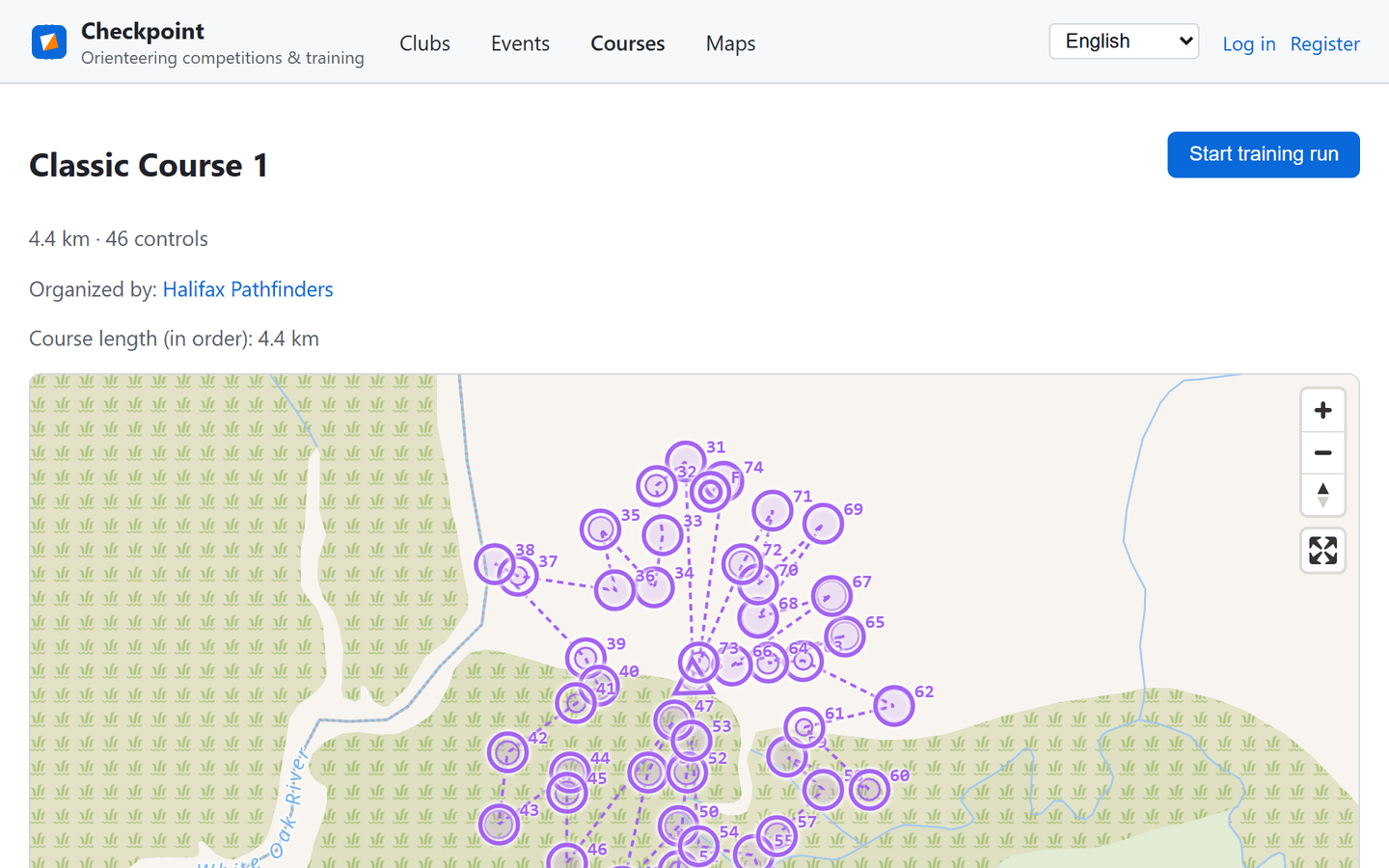
Section titled “Build courses on real maps”Lay out a course by clicking control points directly on a map — start, controls, and finish, in any order you like. Line courses enforce a fixed sequence; Score-O courses let athletes choose their own route for points. Import a GPX track instead of drawing by hand, or overlay a club’s own scanned map and drag its corners into place.
Import and export
Section titled “Import and export”A course can move freely between Checkpoint and the rest of the orienteering world. Import a course drawn in Purple Pen or OCAD (IOF XML), or one made for MapRun (KML) — one button, and the file format is recognised automatically. Every course you can view can also be exported the other way, to open in those same tools or to run on MapRun.
Event management
Section titled “Event management”Competitions and open training
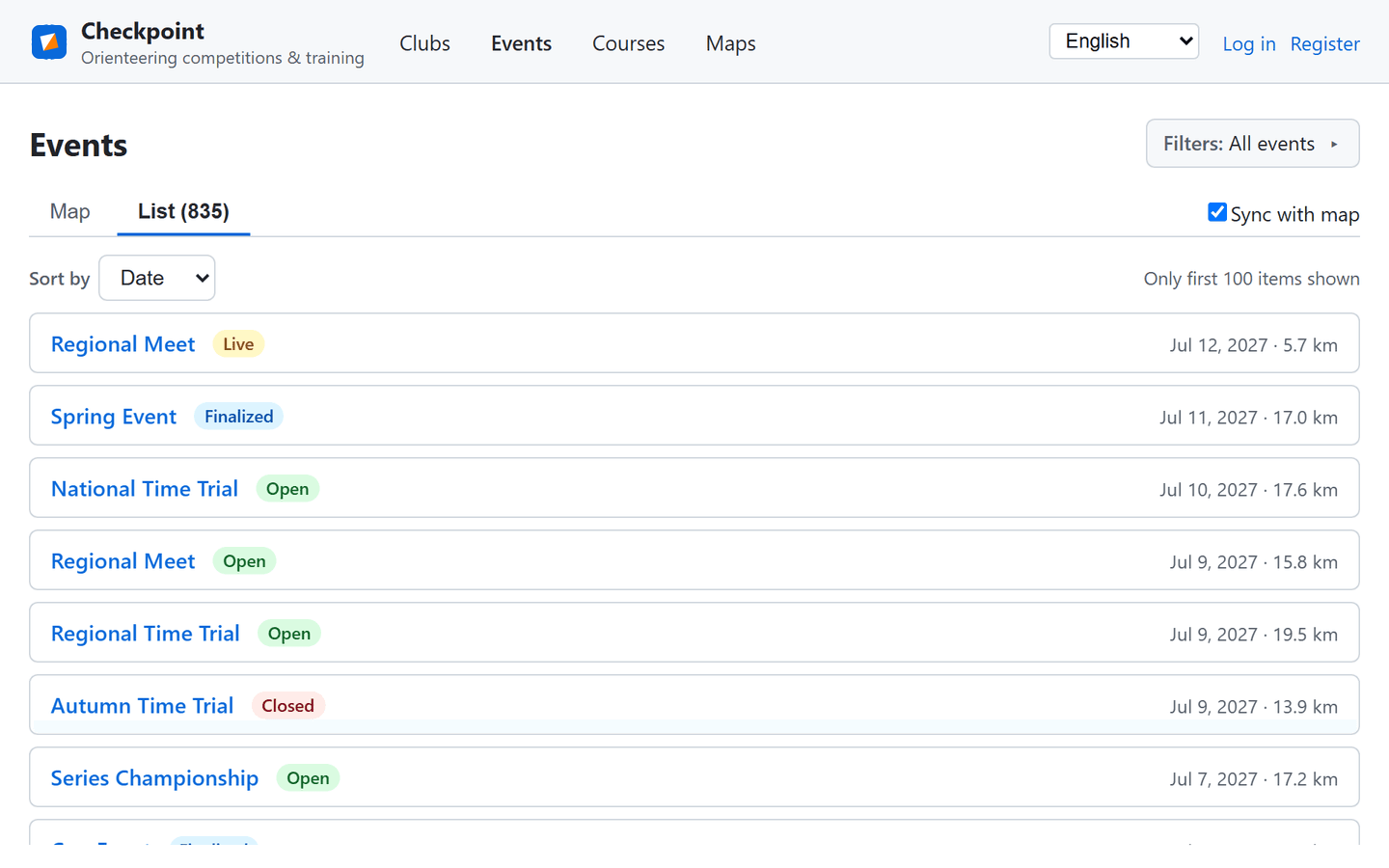
Section titled “Competitions and open training”Checkpoint hosts both competitions and open training on the same platform. Browse upcoming events, see at a glance whether they’re accepting registrations, live, or already finished, and filter by distance or date.
Entry limits and waitlists
Section titled “Entry limits and waitlists”Cap an event by the number of people it can take. Once it’s full, further entries join a waitlist instead of being turned away, and move up automatically — in the order they arrived — as soon as someone withdraws. Teams count for the number of people on them, so a team of four takes four places. Set a minimum and maximum team size too, and Checkpoint enforces both at entry.
Messages and notifications
Section titled “Messages and notifications”Organizers can write to everyone entered for an event at once — an announcement under the event’s own name, or an ordinary message that can be answered privately. Members message each other from a profile, in threads where a reply stays attached to whatever it answers, and one bell in the header counts everything waiting on you. Anyone who would rather not be messaged can switch direct messages off.
You decide who sees what
Section titled “You decide who sees what”The leaderboard is always public, but each event chooses who may open an individual athlete’s splits, GPS track, and map: everyone, only people registered for that event, or only its organizers. Athletes keep the final say — anyone whose profile is private stays unreadable to others whatever the event allows. Organizers can also keep an event’s location off the public map until it goes live.
Share it anywhere
Section titled “Share it anywhere”Every event, course, club, and map has a short link made for the world outside Checkpoint: paste it into a chat app or a post and it opens out into a card with the name, the details, and a picture instead of a bare address. The same link comes as a QR code you can download and print on a flyer, a start list, or a control description — the address behind it is permanent, so a printed sheet still works after the event has been renamed.
Athlete experience
Section titled “Athlete experience”Punch with the phone in your pocket
Section titled “Punch with the phone in your pocket”Athletes punch each control from their phone as they reach it, and the GPS track uploads as they go rather than only at the finish. Lost signal in the woods? Punches queue locally and sync automatically the moment connectivity returns — no lost progress, no manual re-entry.
Controls can also carry a printed QR code — handy for schools, indoor or urban courses, poor GPS, or competitions that want both. Runners scan it with the Run screen’s Scan QR button or their phone’s camera, and each event chooses: GPS only, QR only, either, or both.
Open training
Section titled “Open training”Go for a run on your own terms: pick any public course, start a training run from your phone, and see your time next to everyone else who has run the same controls. No event to enter, no club to join, nothing to pay.
Results, splits and tracks
Section titled “Results, splits and tracks”Times, standings and splits build themselves as runners finish, and every athlete gets their GPS track drawn over the course map. Athletes can publish an individual result with a share link — opt-in and reversible: nothing is public until you choose to share it, and Stop sharing takes the page down again.
On Watch online, a time slider and ▶ Play replay the whole race at up to 120× speed, so you can compare route choices and see where time was lost — during the event or long after it.
Club tools
Section titled “Club tools”Clubs and teams
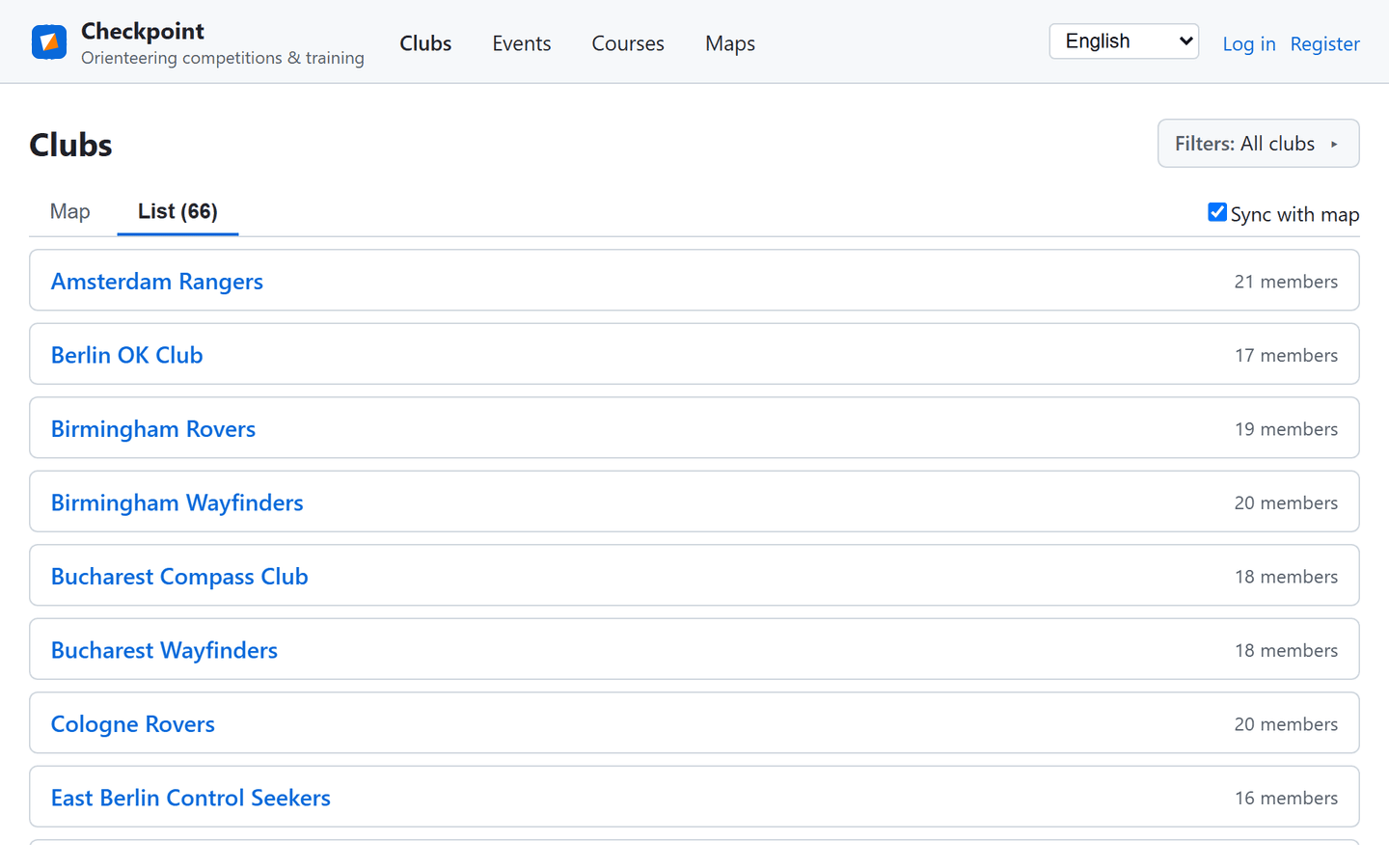
Section titled “Clubs and teams”Every event and course belongs to a club. Clubs manage members, roles, and their own maps; athletes can join multiple clubs, form teams, and register individually or as a team for any event that allows it.
Built for a global sport
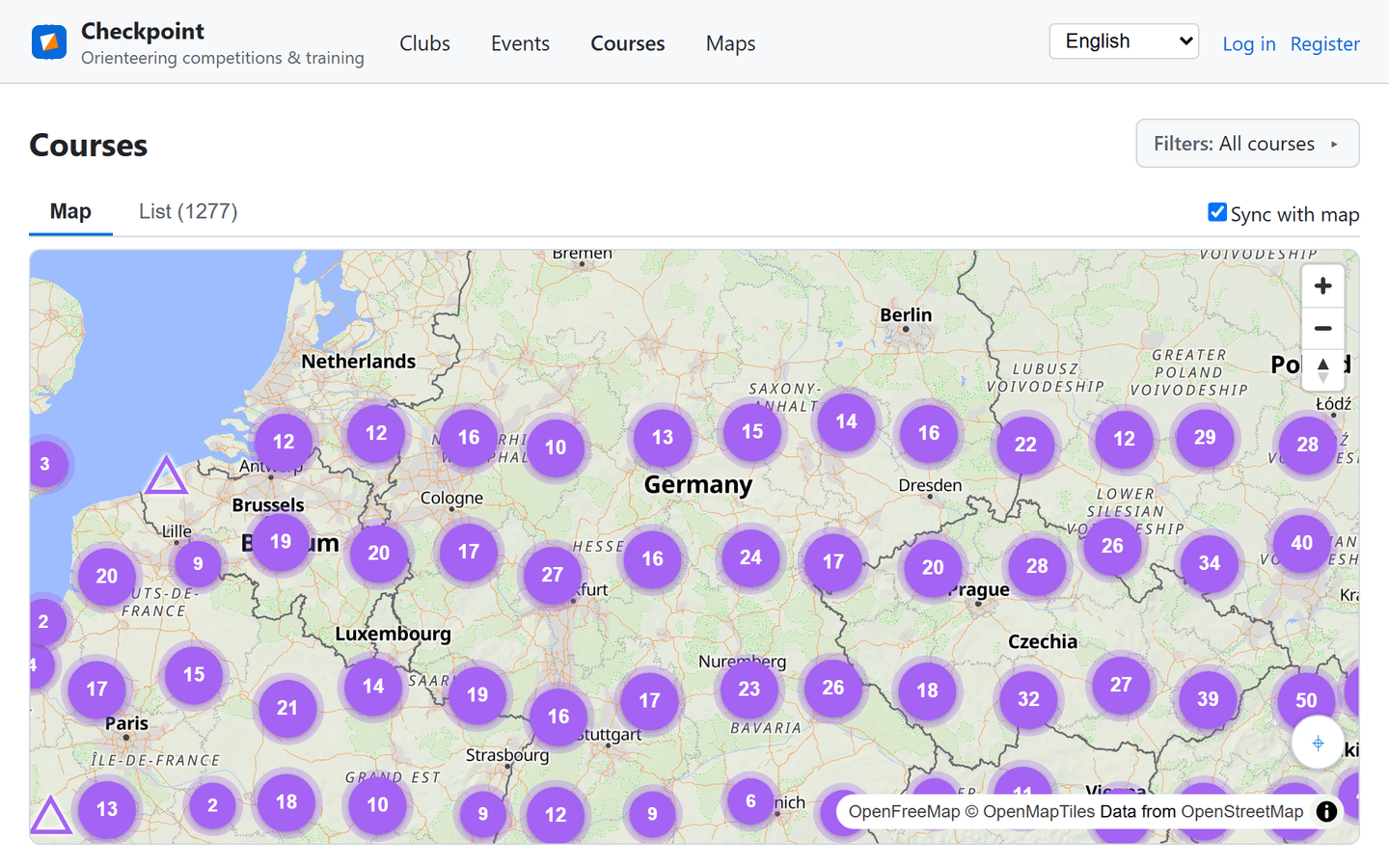
Section titled “Built for a global sport”Courses and events from clubs anywhere in the world show up on the same map. Checkpoint’s interface is available in English, French, German, Spanish, Russian, and Ukrainian — and every event, course, club, and map can carry a description in each of those languages, with images.
Our feedback board goes further: post an idea or a comment in your own language and everyone else reads it in theirs, translated automatically, with the original always one click away.
Your data, your rights
Section titled “Your data, your rights”Export everything Checkpoint holds about you as a single download, or close your account entirely — your race history stays on the leaderboard anonymously, exactly as data-protection rules require.